

Figma, meet Dia
A quick tour
Your templates, components, and design system are now something Dia can build with. Hand it notes, a deck, or a page, and get a Figma file your team can pick up and polish.
Stay on brand without opening Figma

Turn my notes on this launch into a one-pager using our Figma template — same layout, styles and design-system components.
Builds from your Figma templates and componentsDia takes the notes you’re viewing and lays them out in your team’s template — the real text styles, spacing, and components — so what comes out is already on brand.
Take your Dia deck into Figma
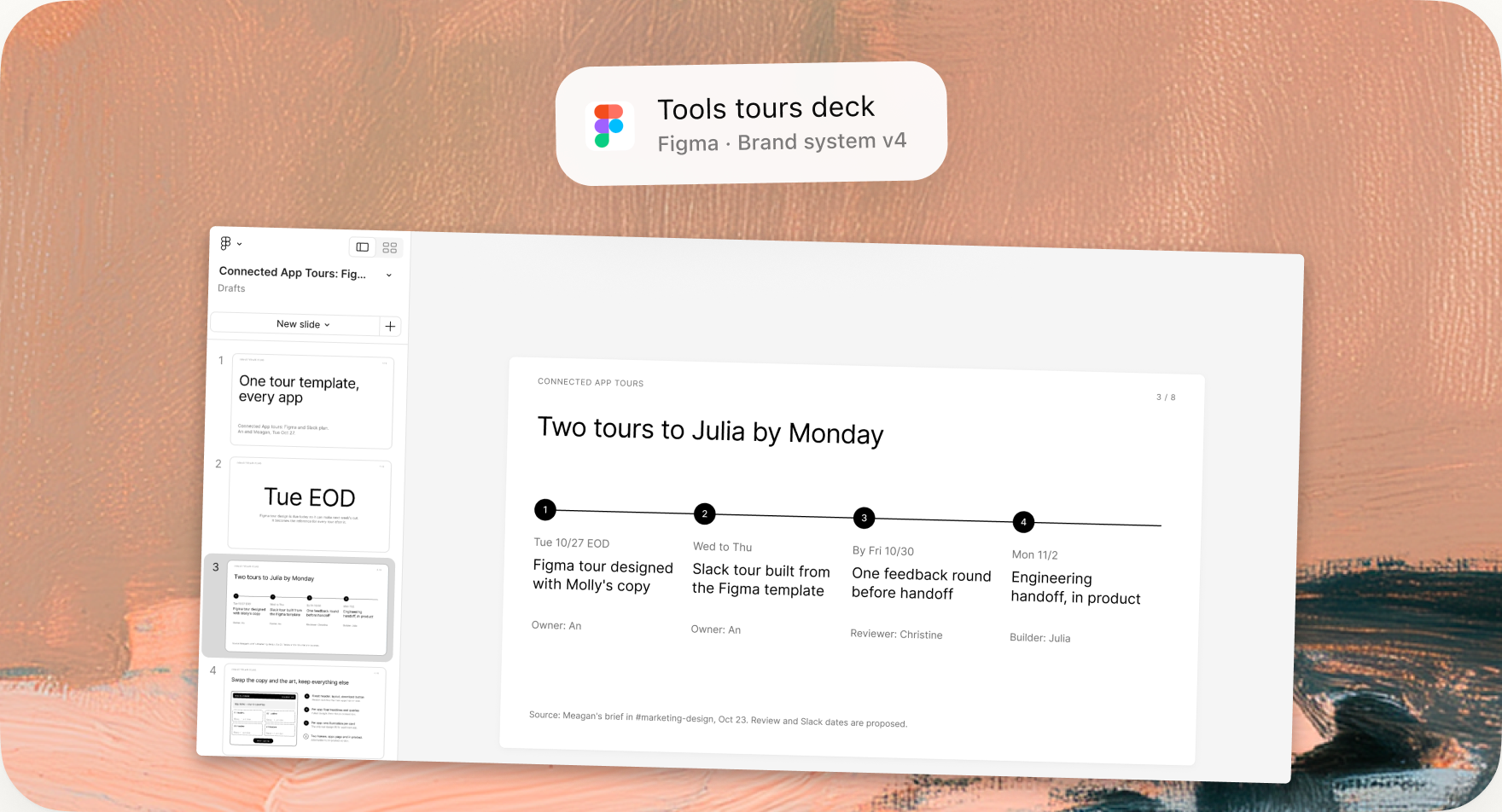
Turn the presentation we just made into a Figma Slides deck I can polish and share with my team.
Creates a Figma Slides file from your Dia deckDraft the story in Dia, then move it into Figma Slides when it’s time to make it look right. Every slide comes across as editable text and frames, not screenshots.
Bring what you built into Figma
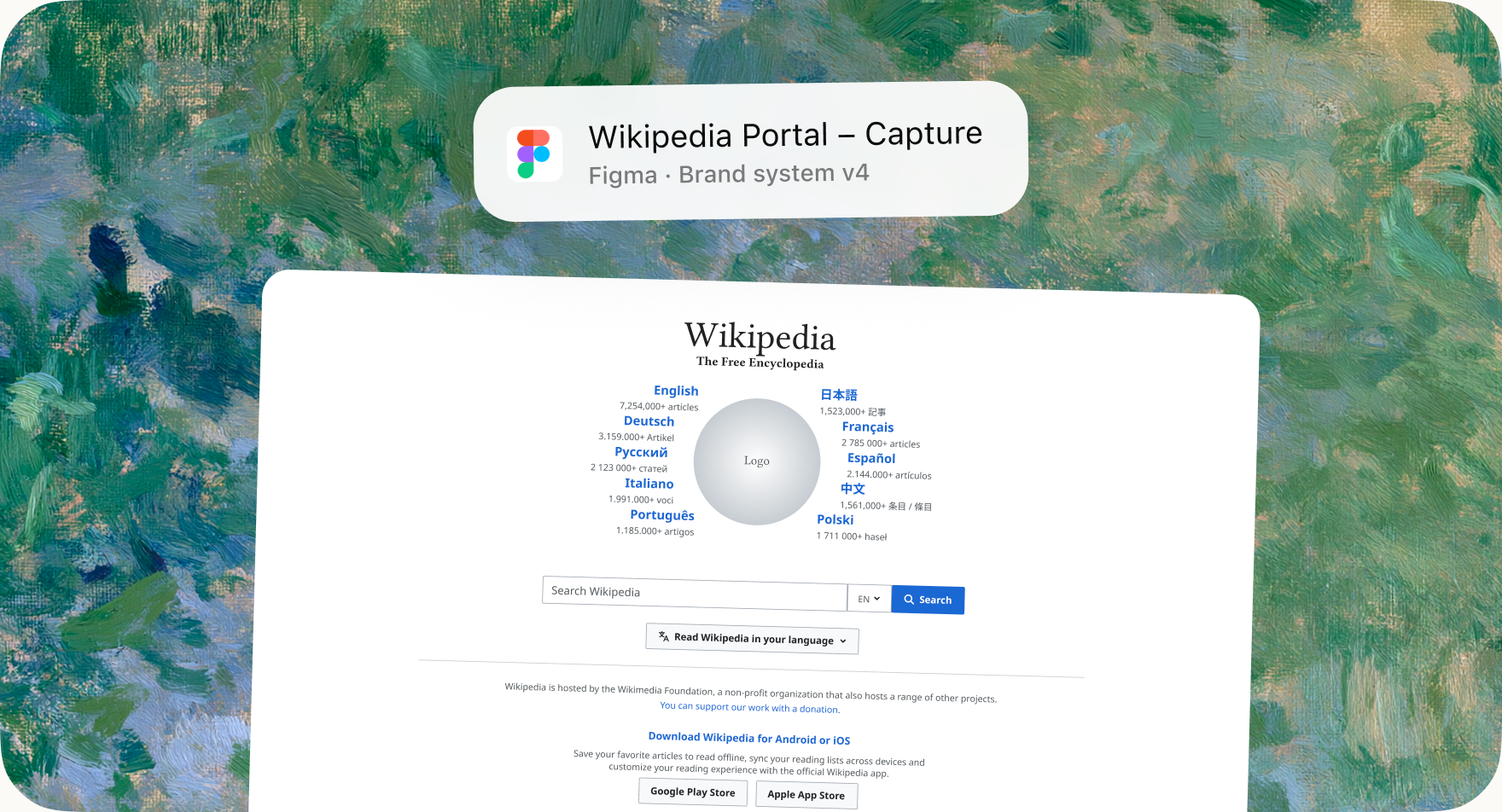
Capture this page as a Figma Design file so my team can iterate on it.
Captures the page you’re viewingAnything you can open in a tab — a prototype, a landing page, a competitor’s flow — becomes real layers in Figma your team can rework instead of redraw.
Map it out in FigJam
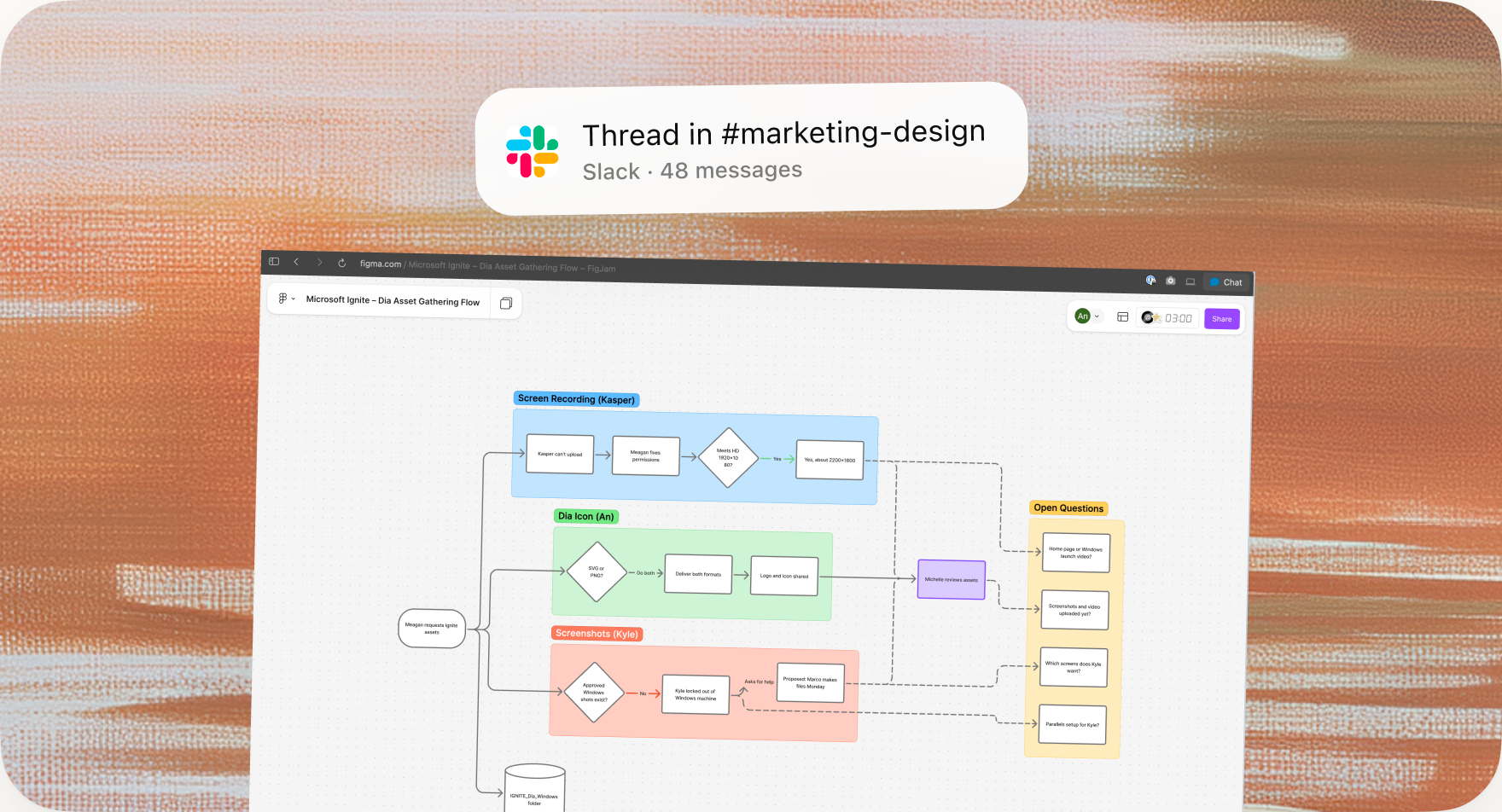
Turn this thread into a FigJam diagram showing the flow, the decisions and the open questions.

 Uses the conversation you’re viewing
Point Dia at a sprawling thread and it draws the shape of it — the steps, where you landed, and what’s still unresolved — as a board you can share.
That’s Figma in Dia.